
 Inquire
 Apply
Apply Give
Give Family Resources
Welcome to the Library!
The Woodland Hill Montessori School Library Program is committed to providing a student-centered approach to instruction and curriculum with a powerful emphasis on learner-driven curiosity, creativity, and discovery. The skills and knowledge developed within the library will ultimately serve to cultivate students with a profound cultural awareness, deep commitment to learning, and insightful appreciation for diverse literature. Our students are encouraged to be critical thinkers and active participants in the world around them with the hope that they will be well-equipped to achieve success wherever life takes them next.
The library strives to be a safe, welcoming, and inclusive environment for all of our students, families, and staff with expertly curated resources to help our learning community reach its full potential.
Access the Library's Catalog!
Through the catalog, you can see what books are available in the library, place a hold on a book you'd like to check out, or see the newest books added to our collection. No password is required. Simply enter 'WHMS Library' into the first search bar to obtain access to the library's digital catalog.
Do you know about Sora?
Sora is a free, digital reading application designed for our students to be able to access a curated collection of ebooks, audiobooks, and read-alongs from the larger Questar III BOCES system. It enables students to access both educational and recreational titles whether they’re in school or at home to borrow, read, and listen to using their school credentials.
Sora features a number of helpful customization options, including dyslexia-friendly fonts, font size adjustment, and reading progress tracking. Moreover, students will be able to select unique avatars and collect reading achievements that demonstrate their developing reading skills. This makes Sora both fun and accessible for all students.
To access Sora:
- Open the link below to Sora’s Main Menu.
- Tap “Add a library”.
- Search for the Questar III BOCES library.
- Use the drop-down menu to select Woodland Hill.
- Sign in using your whmsstudents Google account name and password.
- Congratulations! You can start borrowing ebooks!
To add the Upper Hudson Library System’s catalog:
- Log into Sora using your student account.
- Open the Sora home page.
- Tap “Add a library”.
- Select Upper Hudson Library System.
- Congratulations! You can access a whole new set of ebooks!
Please note that you cannot have both libraries open at the same time, so you will need to toggle back and forth between them. Questar will remain your default option.
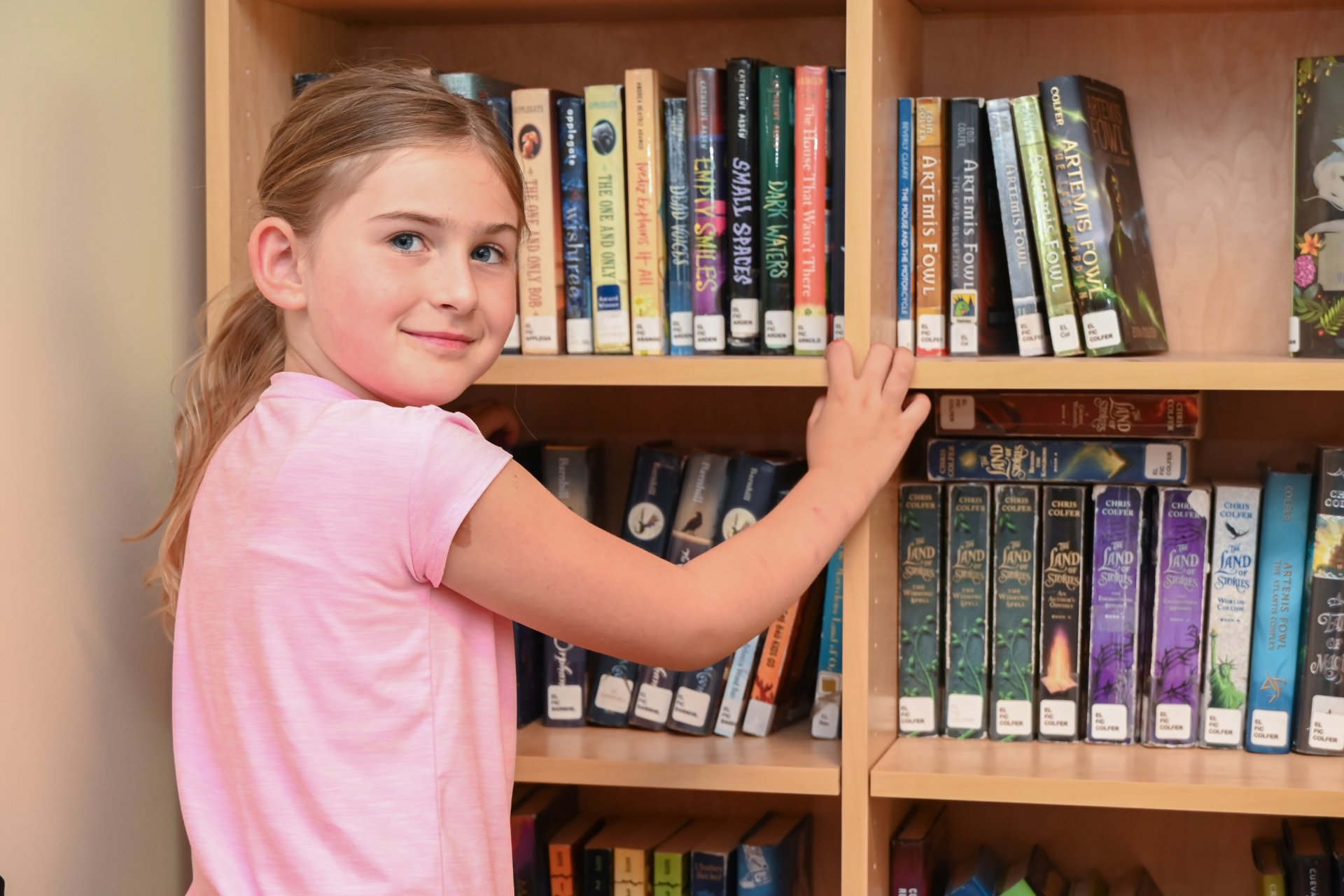
What Should I Read Next?
If you're searching for recommendations, then look no further!
Use these 'Read-Alike' recommendations to discover the next book for you.
Collection Development
If you are interested in helping the library develop its collection, you can visit our wishlist page for book recommendations curated by our librarian.
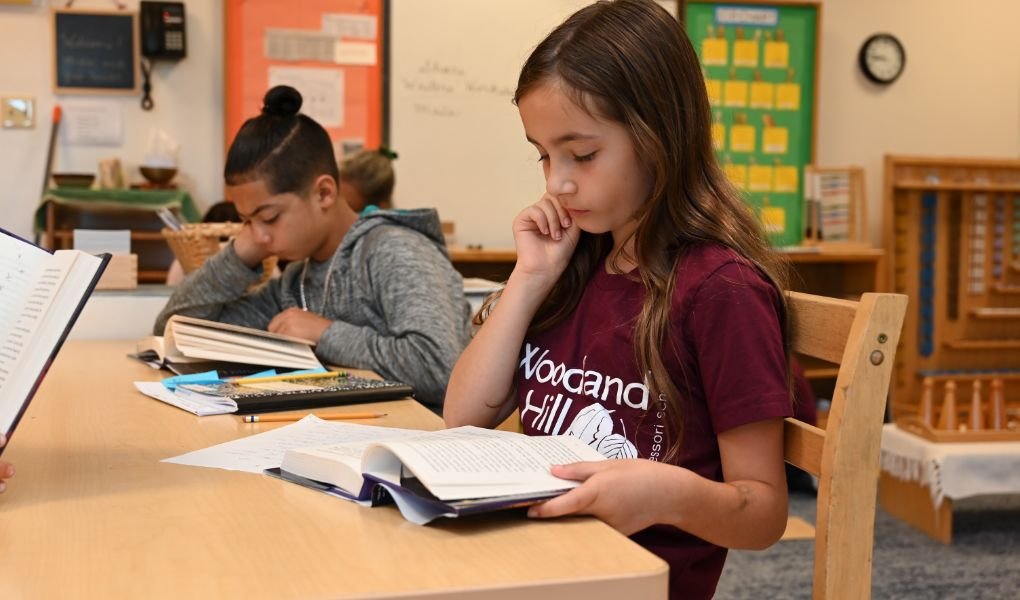
Databases
If you’re looking for reliable sources to use in a research project or if you want to find out more about the world around you, then these databases should help you discover new information about current events, science, nature, and so much more. Some databases will require a login that can be obtained by emailing the librarian.
More Questions? No worries!
For more information, please email School Librarian Quinn Shaffer.